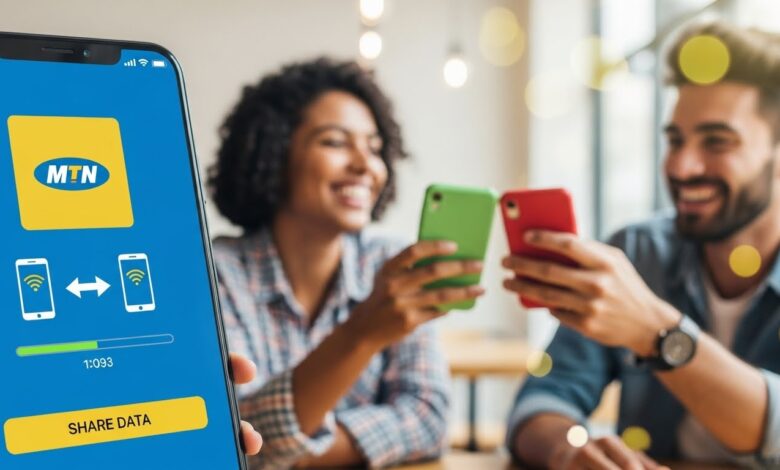
In the age of digital connectivity, sharing data has become an essential part of mobile communication. For MTN users, the ability to share data not only fosters a sense of community but also helps friends and family stay connected without interruption. This guide will walk you through the various methods you can use to share your MTN data efficiently.
Understanding MTN Data Sharing
MTN provides a straightforward data-sharing feature that allows users to transfer their data balance to other MTN subscribers conveniently. This service is ideal for those who may run out of data and need a quick boost to stay online.
Who Can Share Data on MTN?
Before diving into the methods of data sharing, it’s crucial to know who is eligible to use this feature:
- Active MTN Users: Both the sender and the receiver must have active MTN accounts.
- Data Balance: The sender should have a sufficient data balance to share.
- Subscription: Users may need to register for MTN’s data sharing service.
Methods to Share Data on MTN
1. Sharing Data via the MTN App
The MTN app provides a simple and intuitive interface for sharing data. Here’s how to do it:
- Download and Install the MTN App: First, make sure you have the MTN app installed on your smartphone. Log in to your account.
- Go to Data Sharing: On the main screen, locate the “Data Share” option. Click on it to access the data-sharing services.
- Choose Amount and Recipient: Select how much data you want to share and enter the recipient’s MTN number.
- Confirm Sharing: Finally, review your details and tap “Share.” You will receive confirmation once the transfer is successful.
2. Using USSD Codes
For quick access without an app, USSD codes work perfectly. Here’s the process:
- Dial the USSD Code: Enter
*131*2#or*123*4#depending on your region. Follow the instructions that appear on your screen. - Input the Recipient’s Number: Enter the MTN number of the person you wish to share data with.
- Select the Data Amount: Specify the amount of data you are willing to share.
- Complete the Transfer: After confirmation, you will receive a message indicating whether the transaction was successful.
3. Text Message Method
If you prefer the simplicity of SMS, you can also share data via text. Here’s how:
- Write Your Message: Craft a text in the format:
Share <amount> <recipient number>. - Send to 123: Send this message to the designated MTN number for data sharing (typically 123).
- Await Confirmation: Once sent, you should receive a confirmation SMS indicating the status of your data transfer.
Important Points to Remember
1. Data Sharing Limits
MTN imposes certain limits on the amount of data you can share within a specific timeframe. Familiarize yourself with these limits to avoid any inconveniences.
2. Potential Fees
While sharing data may often be free, it’s essential to check any applicable fees associated with the data-sharing service. Reviewing MTN’s terms and conditions will provide clarity.
3. Security Considerations
Always be cautious when sharing data. Only send data to trusted contacts, as sharing with unknown recipients poses a risk to your data and account security.
Conclusion
Sharing data on MTN is a convenient way to ensure that your friends and family remain connected. Whether through the MTN app, USSD codes, or text messages, there are multiple ways to transfer your data balance effortlessly. Be sure to stay informed about sharing limits and security measures to enjoy a smooth experience. With these methods at your fingertips, you can keep your loved ones connected without any hassle.