In today’s digital era, keeping track of your data balance is essential for maintaining uninterrupted connectivity. For MTN users, checking your data balance can be done quickly and easily through various methods. This guide will help you navigate through these options, ensuring that you always know how much data you have available.
Importance of Knowing Your Data Balance
Monitoring your data balance is crucial for several reasons:
- Avoid Surprise Bills: Knowing how much data you have left helps prevent overage charges.
- Plan Your Usage: It allows you to manage your mobile activities more effectively, such as streaming, browsing, and downloading.
- Share Data Strategically: If you share data with friends or family, being aware of your balance helps you make informed decisions.
Methods to Check Your MTN Data Balance
1. Using USSD Codes
One of the quickest ways to check your MTN data balance is by using USSD codes. Follow these steps:
- Dial the USSD Code: Simply enter
*131*4#on your phone and press the call button. - Follow the Prompts: You will receive a menu with options. Select the option that corresponds to checking your data balance.
- View Your Balance: Your current data balance will be displayed on your screen almost immediately.
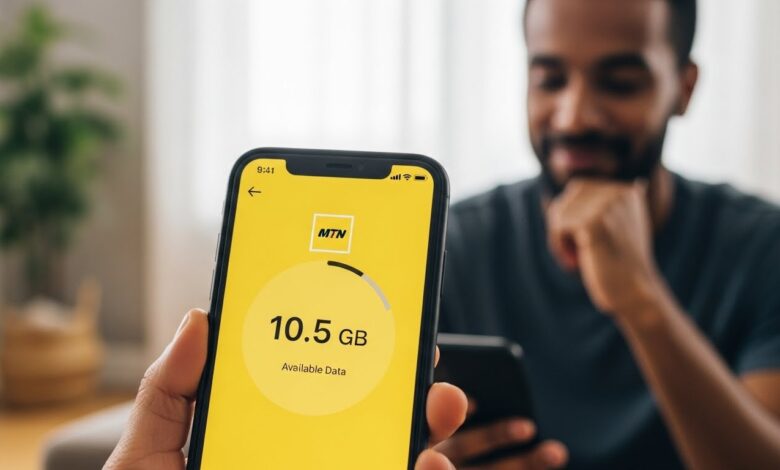
2. Through the MTN App
The MTN app offers a user-friendly interface for checking your balance. Here’s how to do it:
- Download the MTN App: If you haven’t already, download the MTN app from your device’s app store.
- Log in to Your Account: Open the app and sign in using your MTN number and password.
- Check Data Balance: Once logged in, your data balance will appear on the dashboard, along with other account details.
3. SMS Method
If you prefer using text messages, you can also check your data balance via SMS:
- Compose a Text Message: Send the message
BALANCEto the designated MTN short code (usually 123). - Receive Confirmation: Within moments, you will receive an SMS detailing your current data balance and any remaining validity period.
Important Considerations
1. Accuracy and Updates
Keep in mind that the data balance information you receive may not always be in real-time. It’s a good practice to double-check especially if you are close to your data limit.
2. Network Availability
Ensure that you are in an area with good network reception when using USSD codes or the MTN app. Poor connectivity can lead to failed requests or delayed responses.
3. Security
Be cautious with your account details. Never share your personal information or account password with anyone to protect your data and privacy.
Conclusion
Checking your MTN data balance is a quick and simple process that can help you manage your mobile activities effectively. Whether you choose to use USSD codes, the MTN app, or SMS, staying informed about your data usage allows for better planning and a seamless mobile experience. Make it a habit to check your balance regularly, so you never run out of data when you need it the most.