Managing your data consumption is crucial, especially in today’s digital age where streaming, browsing, and social media usage can quickly deplete your data allowance. For MTN users in Nigeria, knowing how to check your data balance is essential to avoid interruption in your online activities. This guide provides detailed steps on checking your MTN data balance using various methods, ensuring you stay informed about your usage.
Introduction to MTN Nigeria
MTN Nigeria is one of the leading telecommunications providers in the country, offering a wide range of services including voice calls, SMS, and data plans. With a strong presence in various regions, MTN has gained millions of subscribers who rely on its services for connectivity and mobile internet access. Checking your data balance regularly helps you manage your subscriptions effectively.
Why Check Your MTN Data Balance?
- Avoid Overages: Knowing your data balance prevents unexpected charges for overuse of your data.
- Manage Your Usage: Frequent checks allow you to understand your data consumption patterns and adjust them as necessary.
- Stay Connected: Ensuring you have sufficient data guarantees seamless access to the internet for browsing, social media, and other essential services.
Methods to Check MTN Data Balance
MTN provides several easy methods for checking your data balance, allowing users to choose the one that suits them best.
USSD Code Method
The USSD code method is one of the quickest ways to check your MTN data balance:
- Dial the USSD Code: Open your phone dialer and dial #131*4#.
- Follow the Prompts: After dialing, follow any on-screen prompts to view your data balance.
This method is straightforward and doesn’t require an internet connection.
MTN App Method
The MTN mobile app provides a convenient way to check your data balance in addition to managing other services:
- Download the MTN App: If you haven’t done so, download the MTN app from the Google Play Store or Apple App Store.
- Log In: Open the app and log in with your MTN number.
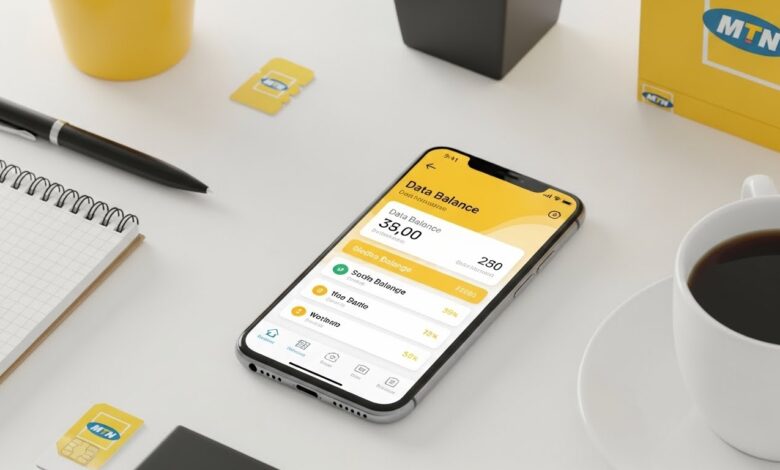
- View Data Balance: Your data balance will be displayed on the home screen.
This method provides a user-friendly interface for managing your account.
SMS Method
The SMS method is another accessible option:
- Compose a New Message: Open your messaging app and create a new message.
- Message Format: Type “BAL” and send it to SMS short code 131.
- Receive Confirmation: You will receive an SMS from MTN with your current data balance.
This is a reliable method for users who prefer traditional text communication.
Website Method
MTN also offers a web-based method for checking your data balance:
- Visit the MTN Website: Open your browser and go to the MTN Nigeria official website.
- Log In or Register: If you have an account, log in. If not, you may need to register.
- Check Your Data Balance: Navigate to the section that displays your account details, including your data balance.
This method is great for users who manage their services online.
Conclusion
Maintaining awareness of your MTN data balance is essential for managing your mobile internet usage effectively. Whether you prefer using USSD codes, the MTN app, SMS, or the website, checking your data balance is quick and easy. By utilizing these methods, you can ensure that you stay connected without interruptions and make informed decisions about your data usage.
Having this information at your fingertips not only enhances your user experience but also ensures that you enjoy seamless connectivity wherever you go.