
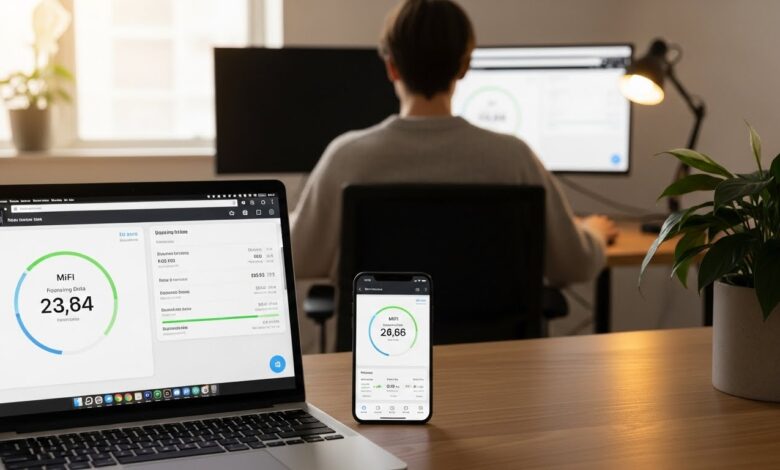
In an age where mobile internet access is crucial for work, entertainment, and communication, knowing your MiFi data balance is essential for uninterrupted connectivity. Checking your MiFi data balance online is a straightforward process that varies by service provider. This guide will help you navigate the steps to check your MiFi data balance easily.
Why It’s Important to Check Your MiFi Data Balance
- Avoid Overages: Keeping track of your balance helps prevent unexpected charges for additional data.
- Plan Your Usage: Knowing how much data you have left allows for better scheduling of online activities.
- Stay Connected: Ensures you can access the internet when you need it the most without interruption.
Methods to Check MiFi Data Balance Online
1. Through the MiFi Web Interface
Most MiFi devices come with a web interface that you can access via a browser. Here’s how to check your data balance:
- Connect to Your MiFi Network: Ensure your device is connected to the MiFi network.
- Open a Web Browser: Launch a web browser on your connected device (computer, tablet, or smartphone).
- Enter the MiFi IP Address: In the address bar, type the default IP address for your MiFi device (typically something like
192.168.0.1or192.168.1.1). Check the device manual for the correct address. - Log In to the Interface: Enter your username and password. If you haven’t changed these, they are usually set to a default value (often found on the device or in the manual).
- Navigate to Data Balance Section: Look for a section labeled “Data,” “Usage,” or “Status.” Your remaining data balance should be displayed prominently.
2. Using the Service Provider’s Mobile App
Many service providers offer mobile apps that allow you to manage your MiFi services, including checking your data balance. Here’s how to do it:
- Download the App: If you haven’t already, download your service provider’s app from the Google Play Store or Apple App Store.
- Log In to Your Account: Open the app and sign in using your credentials.
- Find the Data Balance Option: Navigate to the section for your MiFi device, where you can view your current data balance and usage statistics.
3. Via SMS or USSD Commands (If Available)
Some service providers may allow you to check your data balance through SMS or USSD commands:
- Check for Specific Commands: Look up your service provider’s official website or customer support for the specific SMS format or USSD code to check your data balance.
- Send the Command: If SMS is available, compose a message with the specified format and send it to the designated number.
- Wait for a Response: You should receive a reply with your current data balance.
Important Considerations
1. Accuracy of Information
Ensure that the information you see regarding your data balance is up to date. Check your balance periodically, especially before engaging in data-intensive activities.
2. Secure Your Information
Always log out of your MiFi device’s web interface and avoid sharing your login credentials with others for security reasons.
3. Customer Support
If you encounter any issues checking your data balance, don’t hesitate to reach out to your service provider’s customer support for assistance.
Conclusion
Checking your MiFi data balance online is essential for effective data management. Whether you use the web interface, a mobile app, or available SMS/USSD commands, staying informed about your data usage helps you avoid interruptions and plan your internet activities better. By following these steps, you can ensure that you remain connected whenever you need to be.