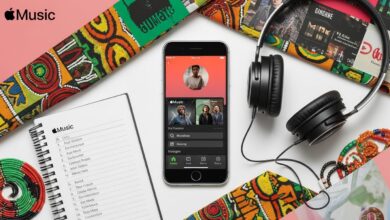
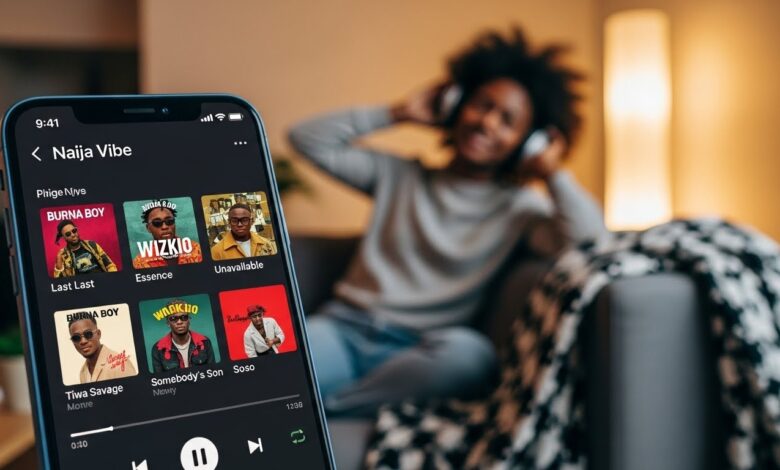
With the rapidly growing music scene in Nigeria, streaming services like Apple Music have become essential for music lovers. Apple Music offers a vast library of songs, curated playlists, and exclusive content, making it easier than ever to enjoy your favorite tunes. This guide will help you navigate Apple Music in Nigeria, from subscription details to discovering new music.
What is Apple Music?
Apple Music is a subscription-based streaming service that allows users to access millions of songs, playlists, and podcasts. It provides personalized recommendations, live radio, and exclusive content tailored to your music tastes.
Why Use Apple Music in Nigeria?
- Extensive Music Library: Apple Music boasts millions of songs, including local Nigerian artists and international hits.
- Curated Playlists: Enjoy playlists customized for different moods, occasions, and genres, featuring both popular and emerging Nigerian artists.
- Offline Listening: Download your favorite tracks to listen offline, perfect for areas with limited connectivity.
- Integration with Other Apple Services: Seamlessly connect with your other Apple devices, including iPhones, iPads, and Macs.
How to Subscribe to Apple Music in Nigeria
Subscribing to Apple Music is simple and can be done through the following steps:
- Download the Apple Music App: If you don’t have it yet, download the Apple Music app from the App Store or Google Play Store.
- Open the App: Launch the Apple Music app on your device.
- Choose Your Subscription Plan: Apple Music offers various plans:
- Individual Plan: Ideal for one user, offers access to the full library.
- Family Plan: Allows up to six family members to use one subscription.
- Student Plan: Available for eligible college students at a discounted rate.
- Sign In with Your Apple ID: If you have an Apple ID, log in; if not, you can create one during the sign-up process.
- Complete the Subscription: Follow the on-screen instructions to finalize your subscription, including payment details.
Using Apple Music in Nigeria
1. Discovering Music
- Browse the Library: Explore the massive catalog organized by artist, album, and genre. The “For You” section offers personalized recommendations based on your listening history.
- Curated Playlists: Check out playlists created by Apple Music’s editorial team that feature trending songs and genres.
- Search Feature: Use the search bar to find specific songs, albums, or artists quickly.
2. Creating Playlists
- Your Library: Add your favorite tracks to your library for easy access.
- Create Custom Playlists: Make your own playlists for various moods or events and share them with friends.
3. Radio and Podcasts
- Beats 1 Radio: Tune into live radio shows that feature interviews, music news, and exclusive tracks.
- Podcasts: Explore a variety of podcasts covering different topics, from music to lifestyle and more.
Payment Options for Apple Music in Nigeria
Apple Music supports various payment methods for subscriptions, including:
- Credit and Debit Cards: Use local Nigerian bank cards to pay for your subscription.
- Apple ID Balance: Add funds to your Apple ID using recharge cards or local payment options.
- Carrier Billing: Some mobile carriers may allow subscription charges directly on your phone bill.
Apple Music vs. Other Streaming Services
While Apple Music is an excellent option for streaming in Nigeria, other platforms like Spotify, Deezer, and Boomplay also cater to local and international music tastes. Consider what features are most important to you—such as music library, user interface, or pricing—before choosing a service.
Conclusion
Apple Music is a fantastic way to enjoy your favorite tunes and discover new ones in Nigeria. With its extensive library, curated playlists, and user-friendly interface, streaming music has never been easier. Follow the steps outlined in this guide to get started, and immerse yourself in the vibrant world of music at your fingertips.